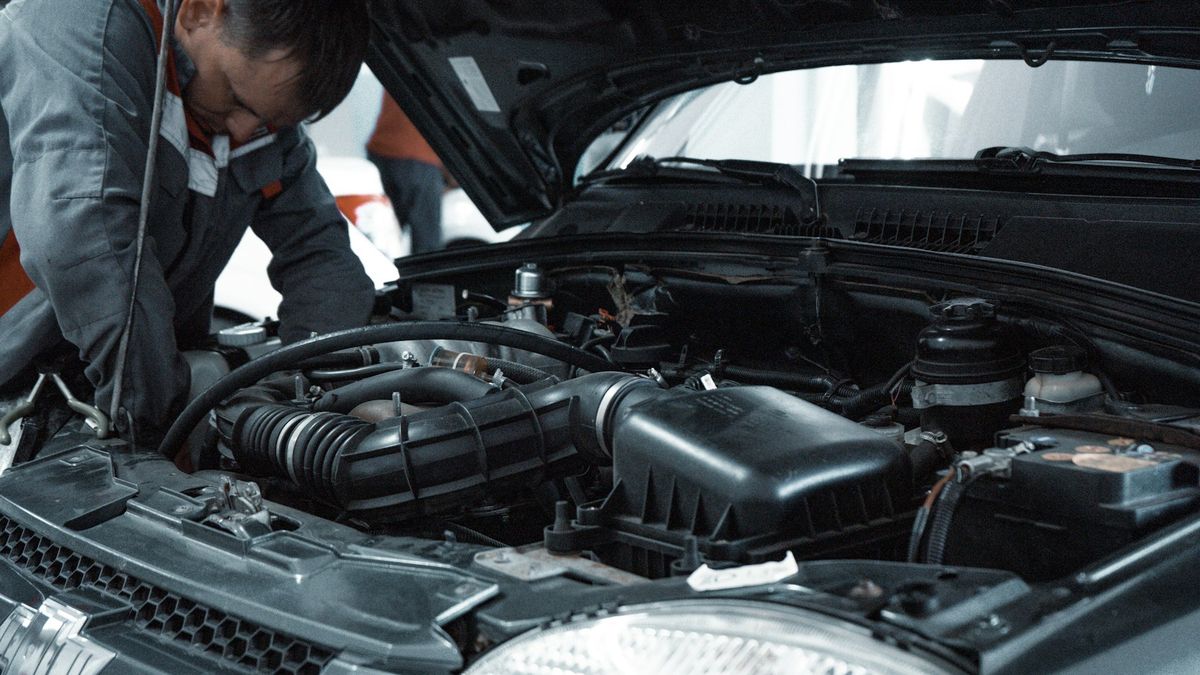
Logbook Transfer in Kenya: How to Transfer Car Ownership on eCitizen
Shopi Team · · 7 min read
Logbook transfer in Kenya is done online on the NTSA service portal in eCitizen. The seller starts the transfer and enters the buyer's details, the buyer accepts it, and the new owner gets a digital e-Logbook. You both need an active eCitizen account. Below is each step, what it costs, how long it takes and what can block it.
What changed: eCitizen and the e-Logbook
Two changes make most older guides out of date. In January 2024 NTSA closed its old TIMS portal and moved its services to eCitizen, so you now sign in with your eCitizen account. Then on 10 June 2026 NTSA replaced the paper logbook with the e-Logbook, a digital registration certificate that sits in the owner's eCitizen account.
Each e-Logbook carries a QR code that a buyer, bank or insurer can scan to confirm who owns the car and whether a lender has an interest in it. Logbook transfer in Kenya is still a two-person job, though: the seller starts it, the buyer accepts it, and nothing changes until both have done their part.
Before you start
- You both have an active eCitizen account, and the names match your national IDs and KRA PINs.
- The car is registered in the seller's name. Check the e-Logbook or the NTSA record yourself, not a photo someone sends you.
- No bank, SACCO or logbook lender is on the record. A financed car can't be transferred until the lender is removed.
- There's no caveat, court case or unpaid duty on the car, and it isn't reported stolen. NTSA won't change ownership while any of these applies.
- You've signed a car sale agreement and the money has cleared in the seller's account.
What the seller does
- Sign in to eCitizen and open the NTSA service portal.
- Go to the motor vehicle services, choose vehicle transfer and select the car.
- Enter the buyer's details, including their ID number and KRA PIN, exactly as they appear on the buyer's documents.
- Upload anything the portal asks for. For a car that still had a paper logbook, that has meant a colour scan of it.
- Submit, then pay the transfer fee through eCitizen. The portal shows the amount before you pay.
Do it the same day you hand over the keys. Until the transfer completes, the car is still legally yours, and so are any traffic offences, parking fines or accidents it's involved in.
What the buyer does
- Sign in to eCitizen and open your notifications.
- Open the transfer request and check the registration number, make and model against the car you bought.
- Accept it, fill in the details the portal asks for, tick the declaration and submit.
- Once NTSA approves it, the e-Logbook in your name appears in your eCitizen account.
How much does logbook transfer cost?
NTSA's transfer fee depends on the car's engine capacity, so a 1,000cc car costs less to transfer than a 3,000cc one. The portal works out the exact amount for your car and shows it before you pay. Online guides quote different figures and fees are revised from time to time, so go by the amount on the portal rather than a number in a guide or a message.
- The transfer fee is paid by whoever you agreed it with. Write that into the sale agreement so it isn't argued about on the day.
- A vehicle check before you buy is a separate step: scan the e-Logbook's QR code or run a search on eCitizen.
- An agent's fee, if you pay someone to do the transfer for you, is a private charge on top of NTSA's.
How long does logbook transfer take?
Filling in the transfer takes a few minutes. The wait is for the buyer to accept it and for NTSA to approve it. Before the e-Logbook, guides put the whole process at three to seven working days. NTSA says the e-Logbook is issued as soon as a transaction completes, and that some services are now same-day.
If nothing has happened after a week, check the application in eCitizen first: most delays are a buyer who hasn't accepted yet, or details that don't match. For help in person, NTSA has help desks at Huduma Centres.
Selling a car that has a logbook loan
A logbook loan or hire purchase adds the lender to the car's record as a joint owner. The car can't go to a buyer until the loan is paid off and the lender has removed its interest at NTSA.
- Ask the lender for a written settlement figure and how long removal takes after you pay.
- Clear the loan. Some buyers pay the lender directly; if yours does, get the lender's confirmation in writing.
- Get the lender's clearance letter, and wait until the lender no longer shows on the car's record.
- Only then start the transfer to the buyer.
Removal can take weeks, so agree the handover date with your buyer only once you know the lender's timeline.
Forced or alternative transfer
When the registered owner can't start the transfer, the normal process doesn't work. NTSA's alternative (or forced) transfer is started by the buyer on the NTSA service portal. It applies to cars bought at an auction, under a court order or through a tender, and to cars whose registered owner has died.
The documents depend on the case. NTSA has asked for these:
- Auction or repossession: the auctioneer's licence and KRA PIN, the bank's letter authorising the sale, the certificate of sale and purchase receipt, and proof the sale was advertised.
- Court order: the order authorising the sale or transfer.
- Deceased owner: the certified grant of letters of administration, the court's schedule of the estate listing the car, and the death certificate.
- In most cases: a DCI motor vehicle inspection report (tape lift), Form C and a sworn affidavit from the buyer.
You upload the documents as one PDF, pay the fees online and book the car in for inspection. If a private seller took your money and stopped answering, keep the signed sale agreement and proof of payment and speak to an advocate. That situation may need a court order.
After the transfer
- Seller: confirm in eCitizen that the transfer shows as complete, rather than assuming the buyer accepted it.
- Seller: cancel or move your insurance, and keep the sale agreement and payment proof.
- Buyer: insure the car in your name before you drive it. Third-party cover is the legal minimum.
- Buyer: keep the e-Logbook in your eCitizen account up to date, since banks and insurers will check it.
Used cars on Shopi now
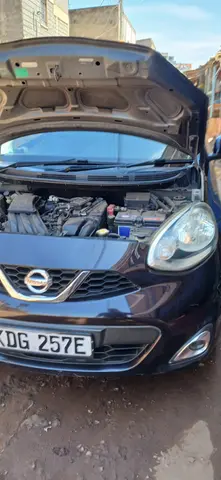 KES 665,000
Nissan march/miccra
Nairobi
View listing →
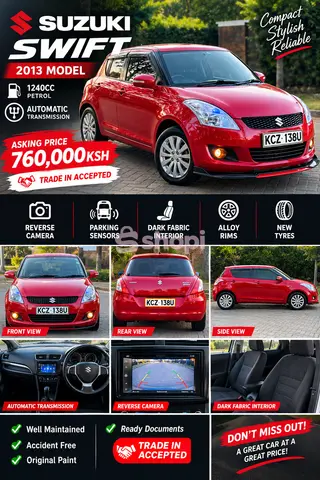 KES 749,999
🚗🔥 **FOR SALE: 2013 SUZUKI SWIFT – KSH 760,000!** 🔥🚗
Nairobi
View listing →
 KES 759,998
🚗🔥 **FOR SALE: 2013 SUZUKI SWIFT – KSH 760,000!** 🔥🚗
Nairobi
View listing →
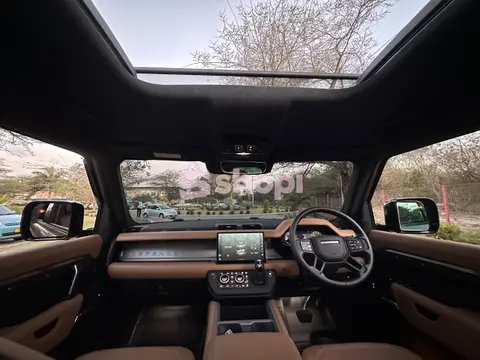 KES 30,000,000
LAND ROVER DEFENDER 130
Eldoret, Uasin Gishu
View listing →
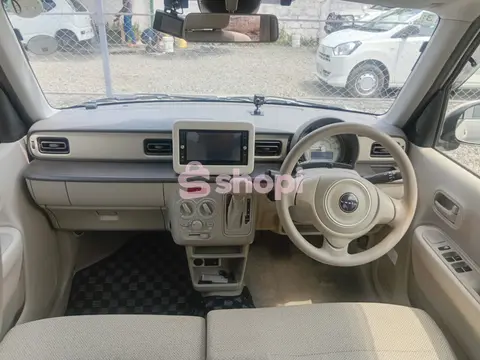 KES 950,000Verified ID — Shopi checked this seller's business permit, shop and location
SUZJKI ALYO LAPIN
AWAN JAPAN LIMITED, Nairobi
View listing →
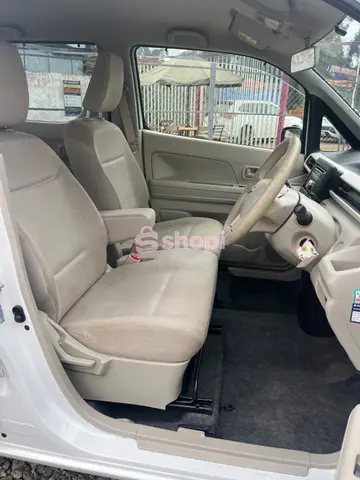 KES 980,000Verified ID — Shopi checked this seller's business permit, shop and location
NISSAN DAYZ ROOX
AWAN JAPAN LIMITED, Nairobi
View listing →
Selling yours? List it free on Shopi and deal with buyers directly — the guide to selling a car in Kenya covers pricing and viewings. Buying? Start with how to check a used car before buying.
Sell your car free on Shopi
No broker and no commission: list it, talk to buyers directly, and do the transfer yourself.
Questions
How much is the logbook transfer fee in Kenya?
It depends on the car's engine capacity. The NTSA service portal works out the exact fee for your car and shows it before you pay through eCitizen. Published figures vary and fees are revised, so use the amount on the portal.
How long does logbook transfer take in Kenya?
The online steps take minutes. After that it waits for the buyer to accept and NTSA to approve. NTSA says the e-Logbook is issued once the transaction completes; if nothing has happened after a week, check the application in eCitizen.
Who starts a logbook transfer, the buyer or the seller?
The seller starts it on the NTSA service portal and enters the buyer's details; the buyer accepts it from their eCitizen notifications. Only in an alternative (forced) transfer, such as after an auction or when the owner has died, does the buyer start it.
What is the e-Logbook?
Since 10 June 2026 NTSA issues a digital registration certificate, the e-Logbook, instead of a paper logbook. It's held in the owner's eCitizen account and has a QR code that buyers, banks and insurers can scan to confirm ownership.
Can I transfer a car that still has a loan on it?
No. A lender on the record is a joint owner until the loan is cleared and the lender removes its interest at NTSA. Pay off the loan, get the clearance letter, then start the transfer.